Anúncios
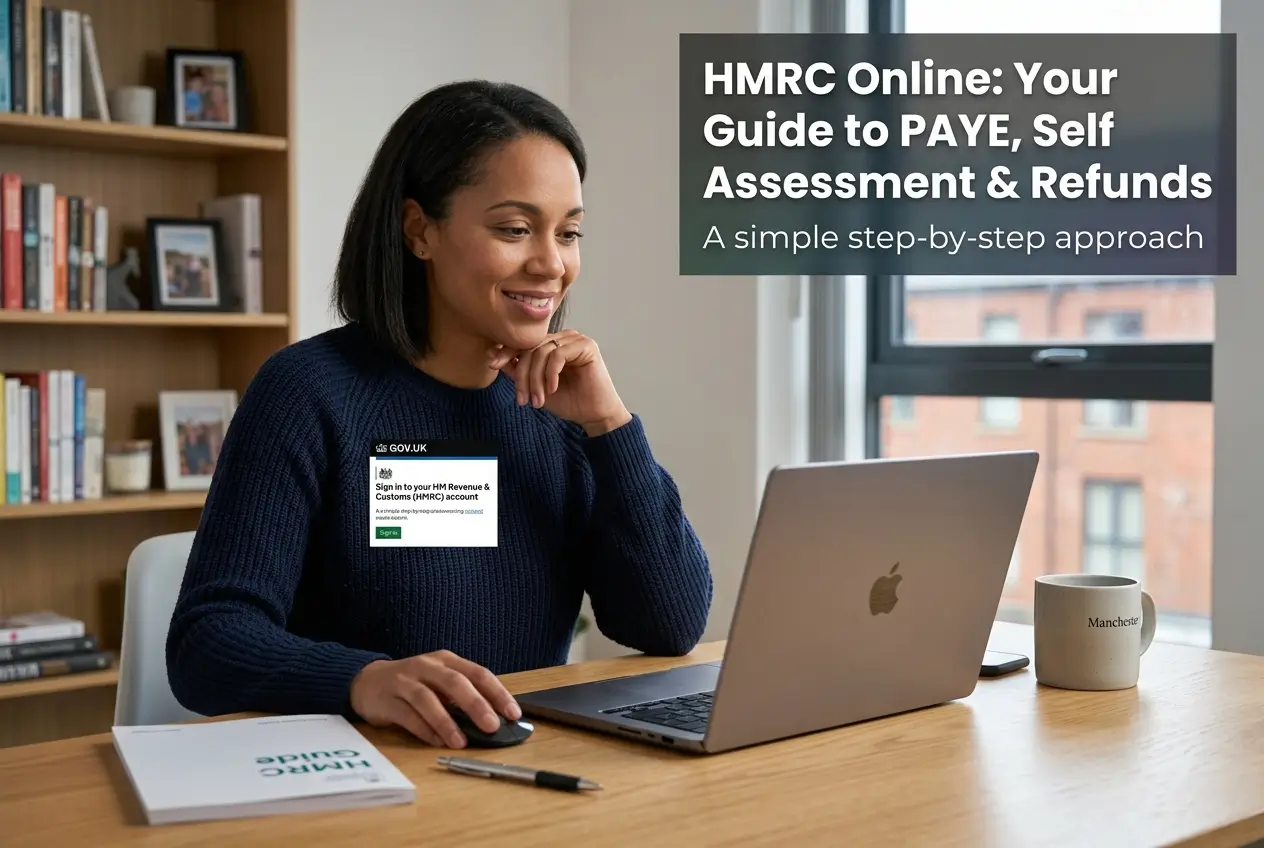
Creating an HMRC account is the fastest way to manage your taxes. This guide shows you exactly how to access your tax codes and refunds today.
You will learn how to set up your Government Gateway ID safely and securely. We will also show you how to claim overpaid tax back directly to your bank.
The whole process takes just a few minutes if you have your documents ready. Let us start protecting your money and saving you valuable time right now.
Why an HMRC online account is essential
Millions of people in England overpay tax every single year without knowing. Many only realise this when HMRC sends them a physical letter in the post.
Waiting for paper letters delays your tax refund by weeks or even months. A digital account puts you securely in complete control of your finances.
Your personal tax account is a secure portal linking all government income services. You can check your details from your mobile phone instantly anywhere.
Many workers change jobs or receive pay rises throughout the working year. These changes can easily cause hidden errors in your tax code if ignored.
An online login allows you to spot these tax code mistakes immediately. Correcting them ensures you always take home the exact right pay each month.
What you can do in your personal tax account
The HMRC portal acts as a central digital hub for your entire working life. You can view exactly how much tax your current employer has deducted.
This visibility gives you total peace of mind that your contributions are completely accurate. Here are the main services you can access immediately:
- PAYE updates: Check your current tax code and expected annual income easily.
- Self Assessment: Submit your tax returns securely and pay your upcoming bills.
- Tax refunds: Claim back any money owed directly to your nominated bank.
- National Insurance: Review your work history and check for any contribution gaps.
- State Pension: See a detailed forecast of what you will receive upon retirement.
- Child Benefit: Manage your family claims and update your personal details instantly.
All these features sit behind your unique twelve digit Government Gateway login. Keeping everything in one single place saves you massive amounts of time.
Documents needed to prove your identity
Security is incredibly strict when dealing with your sensitive financial data online. HMRC must be absolutely certain they are talking to the real you.
Before registering you must have your identity documents ready on your desk. Trying to find them halfway through will cause the security session to time out.
You will strictly need the following items physically in front of you:
- National Insurance number: Found on old payslips or official government letters.
- Valid UK Passport: This must be currently in date to pass the automated checks.
- Driving licence: A standard UK photocard driving licence is perfectly acceptable to use.
- Recent payslip: Alternatively you can use a recent P60 form from your current employer.
You also urgently need an active email address and a working mobile phone. The system sends mandatory verification codes to both during the setup phase.
How to create your Government Gateway ID
Setting up your brand new account takes about fifteen minutes in total. You must complete these exact steps on the official GOV.UK website to stay safe.
Follow this simple process to get your digital access sorted out today:
- Step one: Visit the official Personal Tax Account page directly on GOV.UK.
- Step two: Click the start now button and select create sign in details.
- Step three: Enter your email address and type in the verification code sent.
- Step four: Answer the security identity questions using your gathered physical documents.
- Step five: Set up your mobile phone to receive text message login codes.
Once verified the screen will immediately display your new twelve digit user ID. You must write this number down or take a screenshot straight away.
Without this specific number you will not be able to log in again. Treat it with the exact same care as you would your bank PIN.
How to claim a PAYE tax refund online
Overpaying income tax is incredibly common when you change jobs or receive bonuses. When HMRC spots a definite overpayment they will post you a P800 letter.
This important letter confirms exactly how much money the government currently owes you. Do not wait for a physical cheque to arrive slowly in the post.
Claiming your money online is drastically faster and much more secure overall. Log in to your personal tax account and find the repayment section today.
The system seamlessly guides you through entering your bank account details. The money typically clears into your nominated bank within five working days.
You can easily track the entire refund progress directly in the smartphone app. Always double check your sort code to prevent any annoying payment delays.
Managing your Self Assessment tax return
Self employed workers must use their online account to handle returns securely. The digital portal safely stores all your previous tax returns in one place.
Submitting your figures online gives you until the end of January to file. The smart system automatically calculates exactly how much money you currently owe.
If you have overpaid through Self Assessment you must request the refund manually. It does not happen automatically like it typically does for PAYE workers.
Simply navigate to the request a repayment option found directly in your dashboard. You can leave the money there to offset future tax bills if preferred.
Always keep your business receipts highly organized before you begin. The digital form will ask you to break down your expenses into specific categories.
Warning signs of HMRC tax scams
Ruthless criminals constantly target taxpayers with highly sophisticated fraud attempts. HMRC will absolutely never contact you by email to offer a tax refund.
Any unexpected message making such a claim is a guaranteed scam attempt. Scammers heavily use fake text messages with links to harvest your bank details.
You must strictly memorise these crucial security rules to stay completely safe:
- No fake links: Always type the official GOV.UK address manually into your browser.
- No strange payments: Never attempt to pay tax debts using retail gift cards.
- Social media: Official government staff will never message you directly on WhatsApp.
Forward suspicious messages directly to [email protected] so they can investigate. Delete the fake message right after reporting it to protect your data.
What to do if you get locked out
Forgetting passwords or losing your phone access is completely normal nowadays. The government provides safe digital recovery systems for these situations.
Do not create a brand new second account if you get locked out. Having multiple overlapping accounts will confuse your records and cause massive delays.
Use the get help pages directly on GOV.UK to recover your lost user ID. If automated recovery completely fails try the smart digital assistant tool next.
For serious technical issues call the official dedicated support line on 0300 200 3600. Phone lines are strictly open Monday to Friday from eight until six.
Remember this specific phone line is for technical website login support only. The call agents cannot give you specific financial advice about your tax bill.
Final steps to secure your financial data
Taking firm control of your tax affairs has never been more important today. Having a digital portal gives you extreme power and transparency over your money.
Your immediate priority should be gathering your physical identity documents today. Spend fifteen minutes to create your permanent digital login securely.
Download the official HMRC app to your smartphone after getting set up. Secure your digital account now and start claiming any refunds you are owed.