Anúncios
Need to prove you can work or rent in England? The UK share code is the digital key you need.
It’s a simple, 9-character code that confirms your immigration status to employers and landlords instantly.
This guide will show you exactly how to get your share code online, step-by-step. Let’s get it sorted.
What Exactly is a UK Share Code?
Think of a share code as your digital permission slip. It’s an online code generated by the government.
It allows you to prove your rights in the UK without showing physical documents every time. It’s faster and more secure.
This system is for non-British and non-Irish citizens to share their immigration status with official bodies.
When an employer or landlord enters your code and date of birth on the GOV.UK website, they see the information they need.
Who is Eligible to Get a Share Code?
You can get a share code if you are not a British or Irish citizen and have a digital immigration status.
This means you must have a UK Visas and Immigration (UKVI) account linked to your details.
This usually applies to you if you fall into one of these groups:
- You have settled or pre-settled status under the EU Settlement Scheme.
- You hold a Biometric Residence Permit (BRP) or Biometric Residence Card (BRC).
- You used the ‘UK Immigration: ID Check’ app to prove your identity when applying for a visa.
- You have an eVisa, which is a fully digital record of your immigration status.
Important: British and Irish citizens do not use or need a share code. They prove their rights using other documents, like a passport.
The Step-by-Step Guide to Getting Your Share Code
Getting your code is a straightforward online process. You can do it on your phone or computer in just a few minutes.
Here is exactly what you need to do.
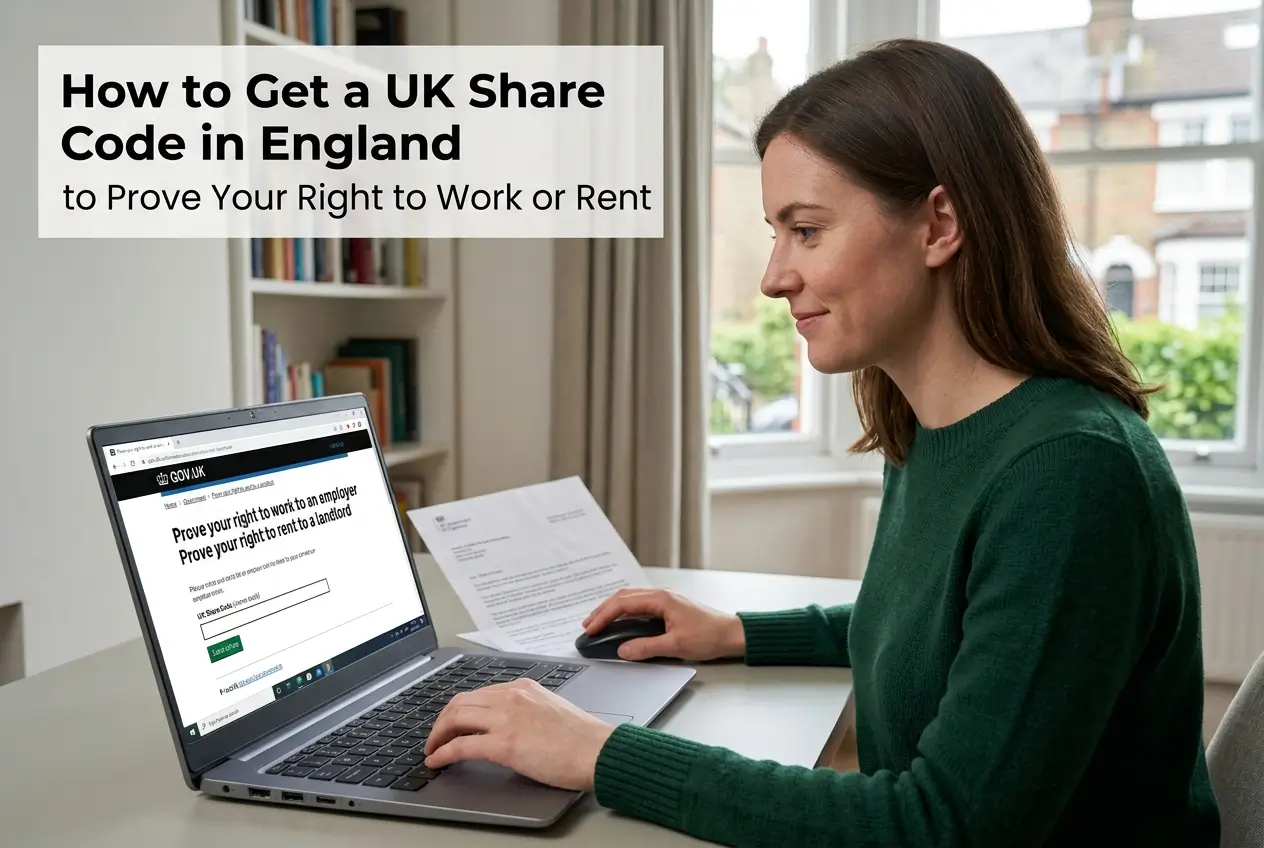
- Go to the official website: You must only use the GOV.UK page called “View and prove your immigration status”.
- Prepare your details: You’ll need the ID document you used for your visa application (passport, national ID card, or BRP number).
- Sign in to your account: Enter your document details and date of birth. You will also need access to the phone or email linked to your account.
- Receive a security code: A 6-digit code will be sent to your phone or email. You must enter this to log in.
- Find the “Prove your status” section: Once logged in, click the button that says “Get a share code”.
- Choose the purpose: This is a critical step. Select why you need the code.
The system will then generate a unique 9-character code. You can copy it, print it, or send it directly via email.
Choosing the Right Code for the Right Job
You cannot use the same code for every situation. Each one is created for a specific purpose.
When you generate the code, you must select one of three options. This choice determines what the code can be used for.
- To prove my right to work: This code starts with the letter W. Give this to your new employer.
- To prove my right to rent: This one starts with the letter R. It’s for landlords or letting agents in England.
- For anything else: This code begins with S and is for other checks, like with the NHS or DWP.
Using the wrong type of code will cause delays. Always double-check you’ve selected the correct purpose before sharing it.
Key Information You Can’t Afford to Miss
There are a few important rules to remember about your share code. Knowing these will save you time and prevent problems.
Here’s a quick rundown of the essentials.
| Feature | Details |
|---|---|
| Validity Period | Each share code is valid for 90 days from the moment you generate it. |
| Multiple Uses | You can use the same code as many times as you need within the 90-day period. |
| Cost | The service is completely free. Never pay anyone to get a code for you. |
| Expiration | After 90 days, the code expires. You’ll need to log in and get a new one. |
The person checking your status will also need your date of birth. So, remember to provide both the code and your date of birth.
Using Your Share Code: What Happens Next?
Once you have your code, the process is simple. You give it to the employer, landlord, or agency that needs to check your status.
They will visit the official GOV.UK “View a job applicant’s right to work” or “View a tenant’s right to rent” service.
They enter the share code and your date of birth. The system then displays a page showing them the information they are legally required to see.
This includes your photo for identification, what types of work you are permitted to do, and for how long your permission lasts.
It’s a quick, official check that confirms everything on the spot. The employer or landlord is required to keep a record of this check.
Common Problems and How to Solve Them
Sometimes technology doesn’t cooperate. You might hit a snag when trying to access your account or get a code.
If you’re stuck, don’t panic. Many issues have simple solutions.
- Forgot your login details? The service has a “forgotten details” link. You can recover your access using your personal information.
- Not receiving the security code? Check your junk or spam folder in your email. For mobile, ensure you have a signal.
- Document details not recognised? Make sure you are entering the number exactly as it appears on your passport, ID card, or BRP.
- Your UKVI account is not working? This is a more serious issue. You’ll need to contact the UKVI Resolution Centre for help.
Security Alert: How to Spot and Avoid Scams
Scammers often target people navigating the immigration system. It’s vital to protect your personal information.
Your immigration status is sensitive data, so be extremely careful. Here’s how to stay safe.
Golden Rule: Only ever use the official gov.uk website to access your immigration status or generate a share code.
Be suspicious of any third-party websites, agents, or callers offering to get a code for you, especially if they ask for a fee.
The Home Office will never text or call you to ask for money or your bank details. They will also never ask for the 6-digit security code sent to your phone.
If you suspect a scam, report it immediately to Action Fraud, the UK’s cybercrime reporting centre. You can do this online or by calling 0300 123 2040.
Official Help: Who to Contact
If you’ve tried everything and are still facing technical problems, it’s time to contact the official support team.
The UKVI Resolution Centre is there to help with issues related to accessing your digital status or generating a share code.
You can call them on 0300 790 6268. Their lines are open from Monday to Friday, between 9 am and 5 pm.
Be ready to explain your issue clearly and have your document details to hand. They can help investigate technical faults with your account.
There is also an official webchat service on the GOV.UK contact page, which can be useful for getting quick answers.
Always use these official channels. Avoid relying on unofficial advice from social media groups, which can often be incorrect.
Now you have all the information. Go to the official website and generate your share code with confidence.