Anúncios
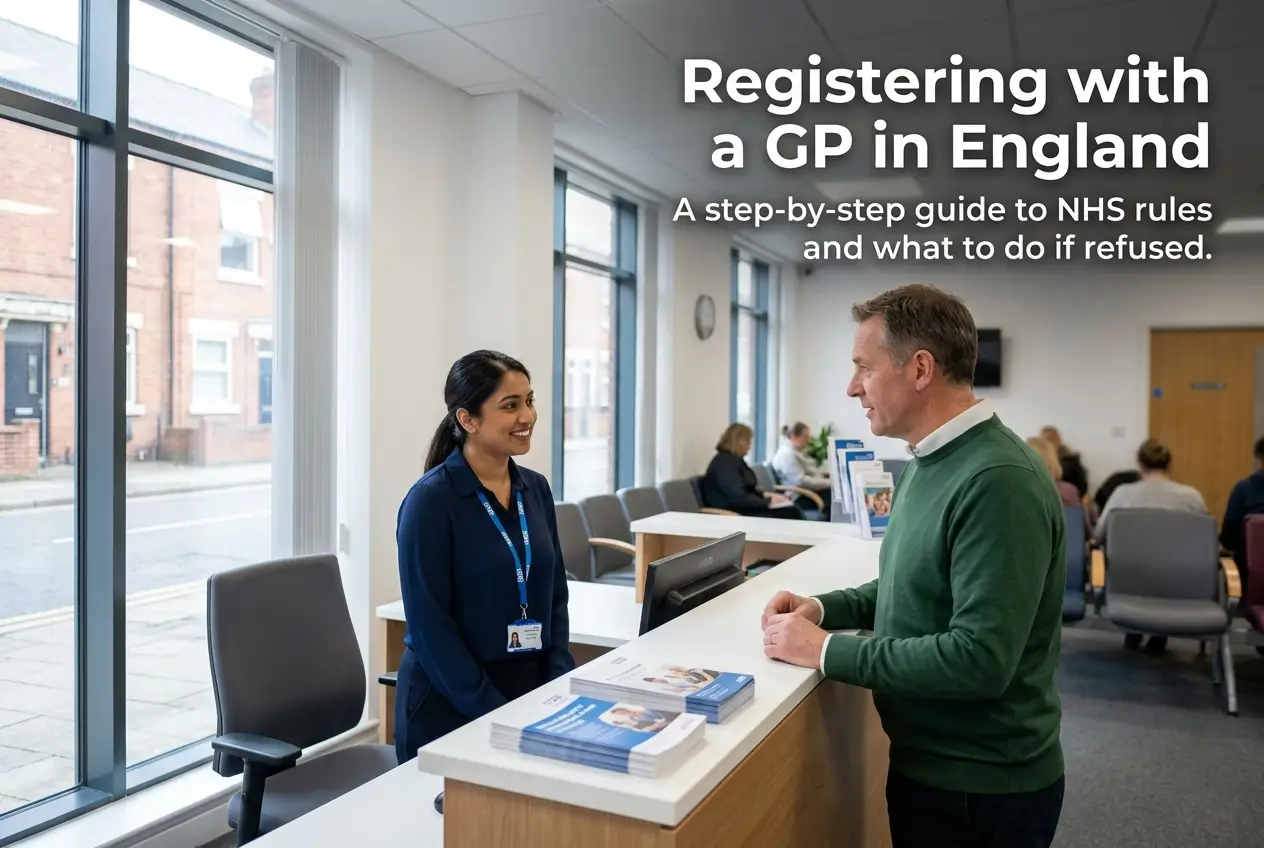
Registering with a GP in England is your key to accessing NHS healthcare. It can feel complicated, but it is a straightforward and essential process.
This guide breaks down every step in simple terms. We will cover finding a surgery, what to do if you are refused, and your rights as a patient.
You will learn exactly how to secure your access to NHS services, even without proof of address or an ID.
Why GP Registration is Your Gateway to the NHS
Think of your General Practitioner (GP) as the main entrance to the National Health Service (NHS). It is your first point of contact for non-emergency medical care.
From routine check-ups and vaccinations to managing long-term conditions and getting referrals to specialists, it all starts with your registered GP surgery.
Without being registered, accessing these vital services becomes much more difficult. It puts your health at risk and can lead to relying on urgent care for minor issues.
Who Can Register with a GP? The Rules are Clear
The rules on who can register with a GP are simple: anyone residing in England has the right to register. This is official NHS policy.
Your immigration status does not prevent you from registering. Whether you are a British citizen, an EU national, or from anywhere else, you are eligible.
Crucial Point: You do not need proof of address, proof of identity, or an NHS number to register with a GP. If a surgery asks for these, they are wrong.
This includes people who are homeless, asylum seekers, or refugees. The system is designed to be inclusive and ensure everyone can access care when they need it.
A Simple Step-by-Step Guide to GP Registration
Getting registered is usually a quick process. Just follow these clear steps to get it done without any hassle.
- Find Local Surgeries: Use the official NHS “Find a GP” online tool. Just enter your postcode to see a list of the closest options.
- Check for New Patients: The NHS website will show if a surgery is accepting new patients. Some may have full lists, so check a few.
- Choose How to Register: Many surgeries now offer online registration on their website. You can also visit in person to collect a GMS1 registration form.
- Complete the Form: Fill in your personal details like name, date of birth, and contact information. Don’t worry if you don’t know your NHS number.
- Submit Your Application: Return the completed form to the surgery. Your registration will then be processed. It is that simple.
Once you register with a new surgery, your medical records will be automatically transferred from your old GP. You do not need to de-register yourself.
What You Need (and Don’t Need) for Registration
There is a lot of confusion about what documents are required. Let’s make it crystal clear based on official NHS guidelines.
- What you should provide if you can: Your name, date of birth, and a contact address. This helps the surgery communicate with you.
- What is NOT required: You do not need to provide proof of ID (like a passport), or proof of address (like a utility bill).
- What about your NHS Number: It is helpful if you know it, but it is not mandatory for registration. The surgery can find you on the system without it.
If a receptionist insists on these documents, they are not following the correct procedure. Be polite but firm, and remind them of the NHS England guidelines.
Understanding Your NHS Number
Your NHS number is a unique 10-digit code that helps healthcare staff identify you and your health records correctly. It ensures your information stays safe.
It is not a password and does not grant access to your data. It is simply an identifier, like a national insurance number but for your health.
As mentioned, you do not need it to register with a GP. If you are new to the NHS, you will be assigned one after you have registered for the first time.
You can find your NHS number on any letters from the NHS, on your prescriptions, or by logging into the official NHS App after you are registered.
What to Do if a GP Surgery Refuses Your Registration
It can be very frustrating if a surgery turns you away. However, they cannot refuse you without a good reason. Know your rights and what to do next.
A surgery can only refuse you if they have “fair and reasonable” grounds. For example, if their patient list is formally closed or if you live outside their practice area.
They cannot refuse you based on your age, gender, race, religion, sexual orientation, disability, or medical condition.
If you are refused, here is your action plan:
- Ask for the reason in writing: The practice must provide a written explanation for their decision within 14 days. This is your right.
- Try another surgery: The quickest solution is often to use the NHS “Find a GP” tool and try another practice nearby.
- Contact NHS England: If you feel the refusal was unfair or you are struggling to find any surgery to accept you, contact the NHS England Customer Contact Centre.
You can reach NHS England by calling 0300 311 2233. They have a duty to help you find a GP in your area.
Help for Special Cases: No Address or Language Barriers
The NHS is committed to providing care for everyone, regardless of their circumstances. Help is available if you face specific challenges.
If you have no fixed address: You can still register. You are allowed to use a temporary address, such as a friend’s house, a shelter, or even the GP surgery’s address.
Simply explain your situation to the receptionist. They are trained to handle these cases and should help you complete the form correctly.
If English is not your first language: Surgeries must arrange an interpreter for your appointments. For registration, you can ask if they provide this service.
You can also bring a friend or family member to help translate. Do not let a language barrier stop you from registering and getting the care you need.
Important Alert: GP Registration is Always Free
This is a critical point to remember. Registering with an NHS GP surgery is, and always will be, completely free of charge.
Warning: Be extremely wary of any website, company, or individual that asks for money to “help” you register with a GP. This is a scam.
Scammers prey on people who are unfamiliar with the system. They might create fake websites that look official or charge a fee for filling out the free GMS1 form.
Only use the official NHS website to find a GP. Never pay for registration. If you see a suspicious service, report it immediately to Action Fraud.
Your Next Steps After Registering
Congratulations on registering! You have taken a vital step towards managing your health. Here is what you should do next.
First, download the official NHS App on your smartphone. It is a powerful tool. Once your registration is confirmed, you can use it to book appointments.
The app also lets you order repeat prescriptions, view your health record, and access other NHS services securely from your phone.
Many surgeries offer a “new patient check” with a nurse or healthcare assistant. This is a good opportunity to discuss your health history and any current concerns.
Do not wait until you are unwell to find out how your new surgery works. Check their website or ask the receptionist about their appointment booking system.